This rule has been archived
the content of this rule has been moved to the rule make-the-communication-more-efficient-by-referring-back-to-a-subject-of-an-email
Do you use text formatting to mention email subjects?
Loading last updated info...
Usually, when mentioning an email in a Microsoft Teams chat, the approach is straightforward, such as typing "email subject: Good morning."
To make your messages more visually appealing, you can use "> {{ MESSAGE }}" in Microsoft Teams chats to highlight your message as a quote. This works particularly well when you want to refer to an email subject, i.e:
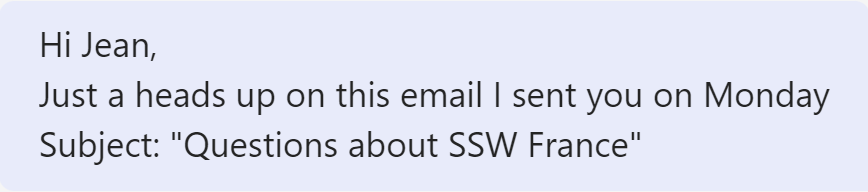
❌ Figure: Bad example - Mentioning an email without formatting

✅ Figure: Good example - Mentioning an email using the "> {{ MESSAGE }}" formatting
Try it now! Open a Microsoft Teams chat and type in “> This is an email subject” and press enter.